Mod Installation (Mod Packages)
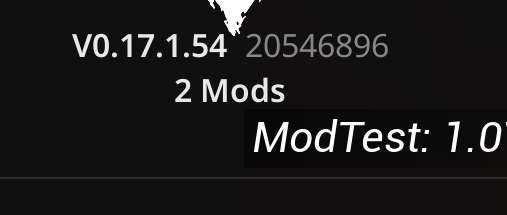
After the Mod Support update - 0.17.1, the game now allows mods to be loaded and recognized by the game natively, all files should be place in a specific directory in your game installation.
- First off, as of 0.17.1, Mod Support needs to be manually enabled via a launch command.
- In your Steam Library, right-click the game and select Properties.
- Under Launch Options, enter the following command:
-enablemods
- To install the mod package:
- Navigate to your game installation directory: (C:\SteamLibrary\steamapps\common)
\5K\WindowsNoEditor\Pandemic\ - If it doesn’t already exist, create a new folder named
Mods. - Place your Mod Package inside the
Modsdirectory. - Launch the game. Now you should notice your installed mods show up in the menus! Hover over to see the list of currently loaded mods.